.jpg)
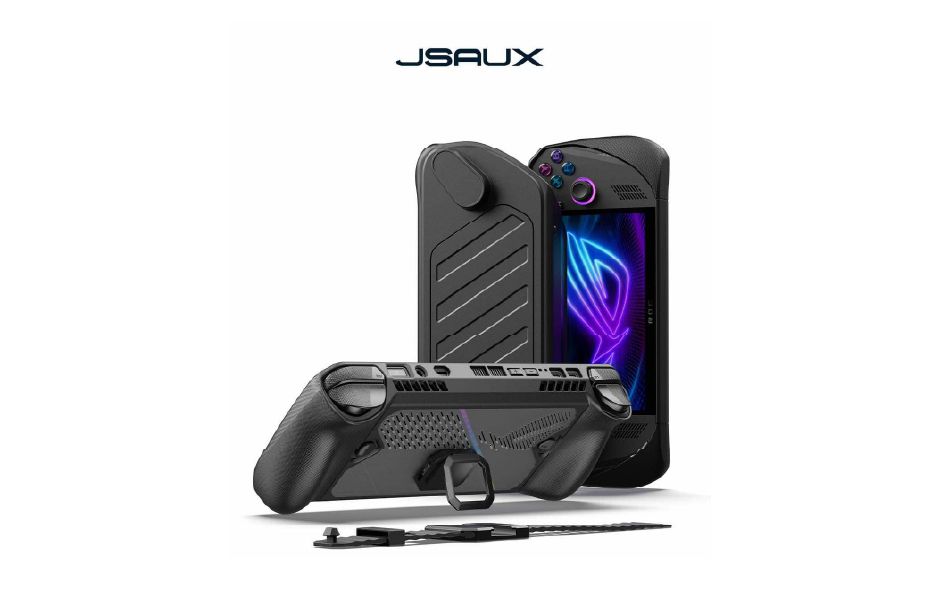
JSAUX ModCase for Steam Deck LCD/OLED Black (Basic Set)
Description
Complete and flexible: This accessory consists of a protective back case with its own metal stand, a strap to attach other accessories, and a front cover to use when the Steam Deck LCD & OLED is idle.
Perfect Fit: The modular case cut-outs are perfectly aligned with the handheld’s output/input ports.
Ultimate Protection: Its eco-friendly PC-ABS and silicone material prevent the screen from scratching or cracking, so it's safe to use when you carry your Steam Deck/OLED in a backpack or a handbag. The TPU wrap on its edges dampens the shock of a fall, reducing its potential damage.
The More, The Better: The JSAUX ModCase also features a modular slider on its back cover. Level up your gaming experience by adding up other compatible accessories, such as the JSAUX cooling fan.
Compatible with:
Cooling fan GP0200: By increasing the airflow coming from the device vents, this small cooling fan reduces the temperature of your Steam Deck up to 18ºC. Also, it doesn’t create negative pressure. It’s sold both along with the ModCase and separately.
11-in-1 Docking Station HB1101: 4K@120Hz, HDMI 2.1 + DisplayPort 1.4, SD/TF card slots and 100W power supply when charging. It’s not only the most powerful hub for Steam Deck but also a great ally to optimize the use of all ports on a PC.
M.2 SSD card enclosure HB0100: Protect your M.2 SSD card from dust and bumps with a proper pen. Available for 2230, 2242, 2260, and 2280 memory models.
Power bank PB6501: 65W High-Speed Charging,20000mAh Large Capacity, Intelligent Display. (Note: Some countries and regions are not available for sale, please check FAQs for available countries and regions)
Adhesive sheet for Protective case: Securely attach your favorite third-party accessories to the groove on the back of your Protective Case with adhesive film. (Note: It must be used with the Protective Case of PC0104)
📢Notes:
When the cooling fan runs out of power and is connected to the cable for charging, it will turn on the lowest wind speed by default and can't be adjusted. If you need to turn on the highest wind speed, you must turn off it first and then turn it on.
For the Hub Kits, The included USB-C cable may vary from the one shown in the picture, but it won't affect its normal functionality.
Reviews
You may also like

Magic: The Gathering - Teenage Mutant Ninja Turtles Turtle - Play Booster Box
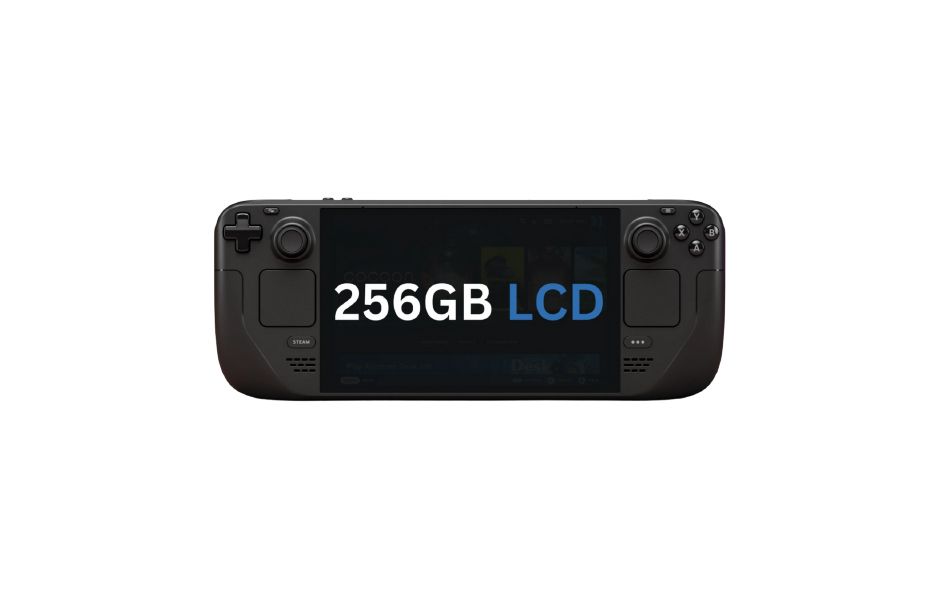
Steam Deck LCD 256GB
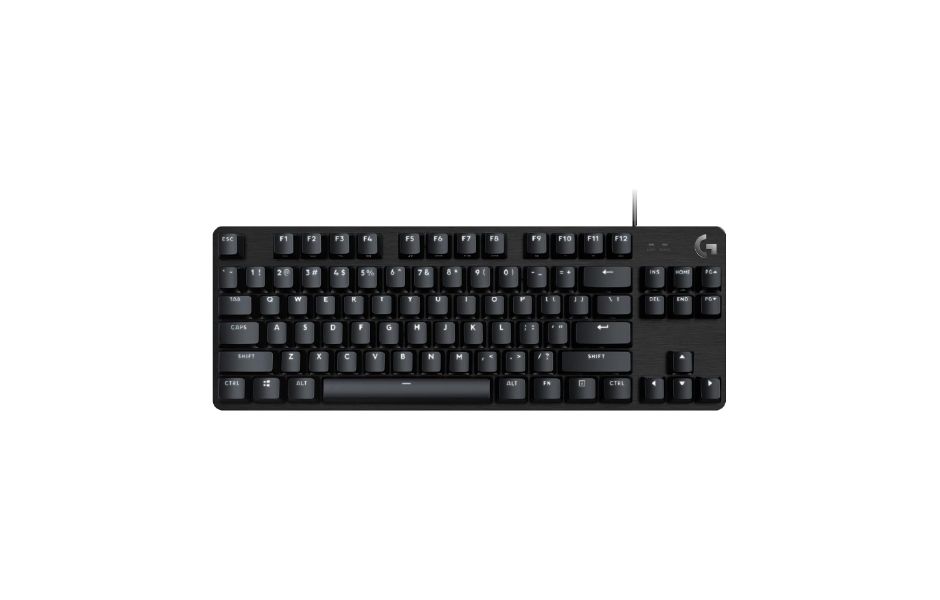
Logitech G413 TKL SE Black Gaming Keyboard
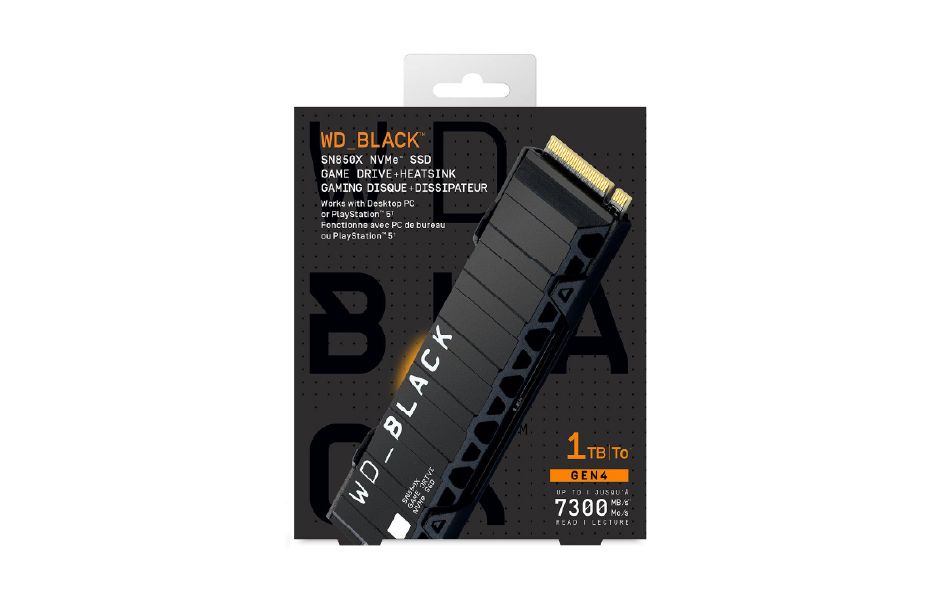
WD BLACK SN850X NVMe SSD - 1TB With Heatsink
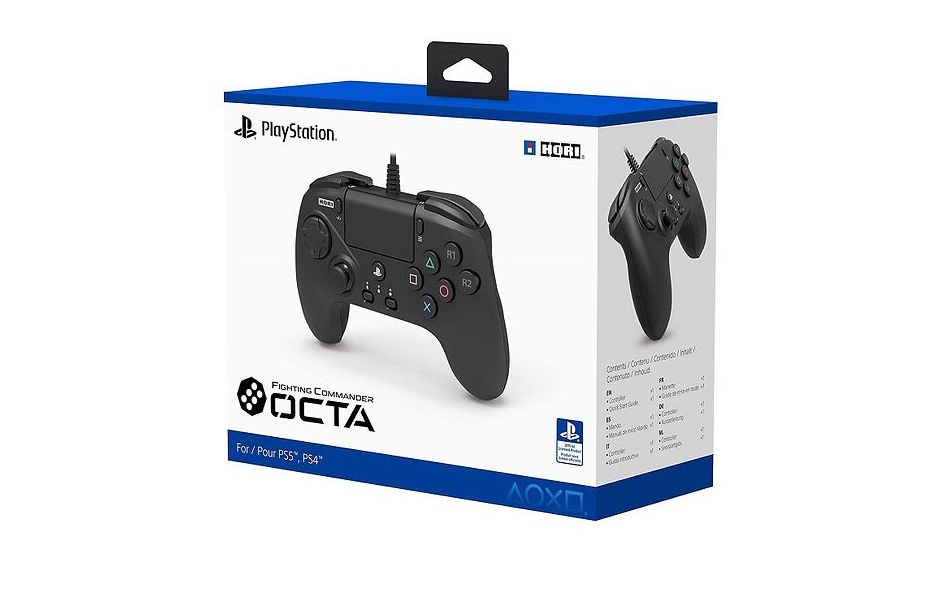
HORI Fighting Commander OCTA -PC/PS4/PS5 (SPF-023A)
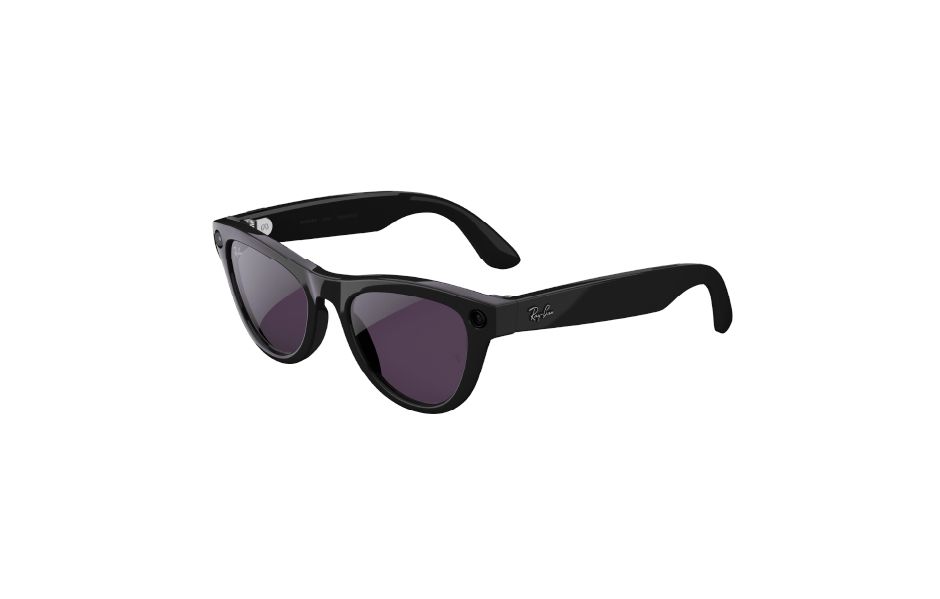
Ray-Ban Meta Glasses Skyler (Gen 2) - Shiny Black/ Transitions Amethyst
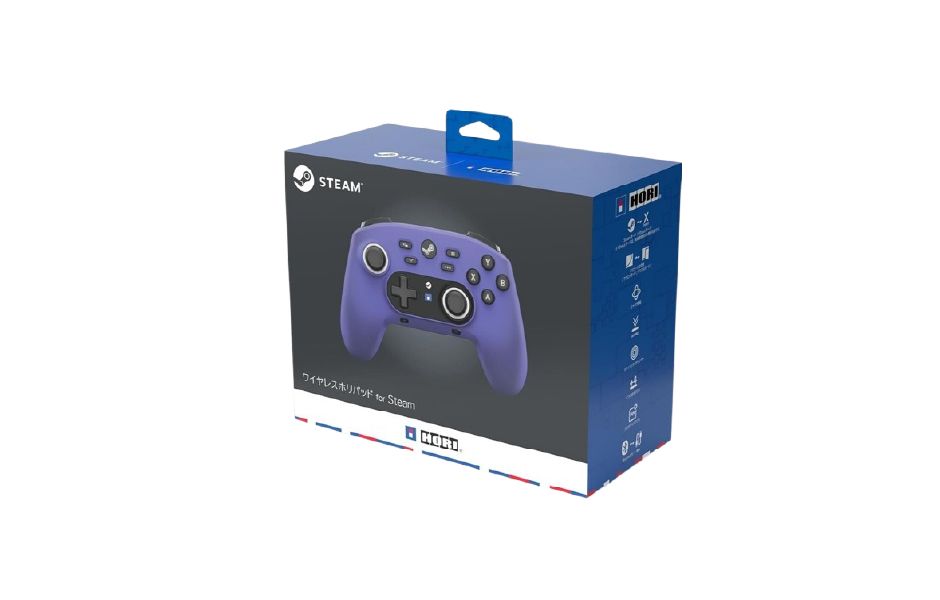
HORI Wireless HORIPAD for Steam Luminous Violet - for Steam / PC
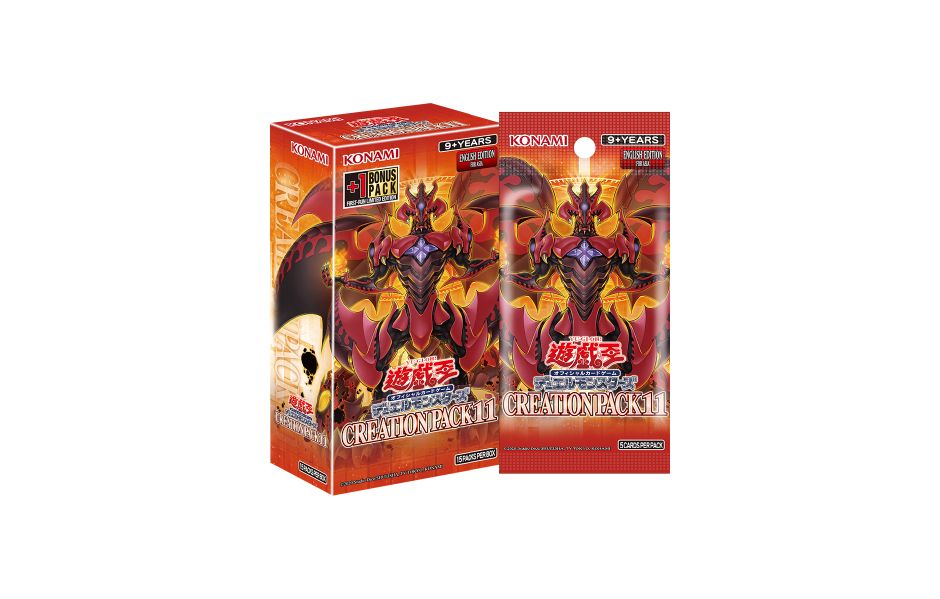
Yu-Gi-Oh! AE Creation Pack 11(CR11) - Booster Box (Asia English)
HORI Wired Horipad Turbo (Ghost Party Series) - NSW2/PC
NBA 2K26 (GKC)
HORI Wired HORIPAD Dragon Quest Slime